Product Code Database

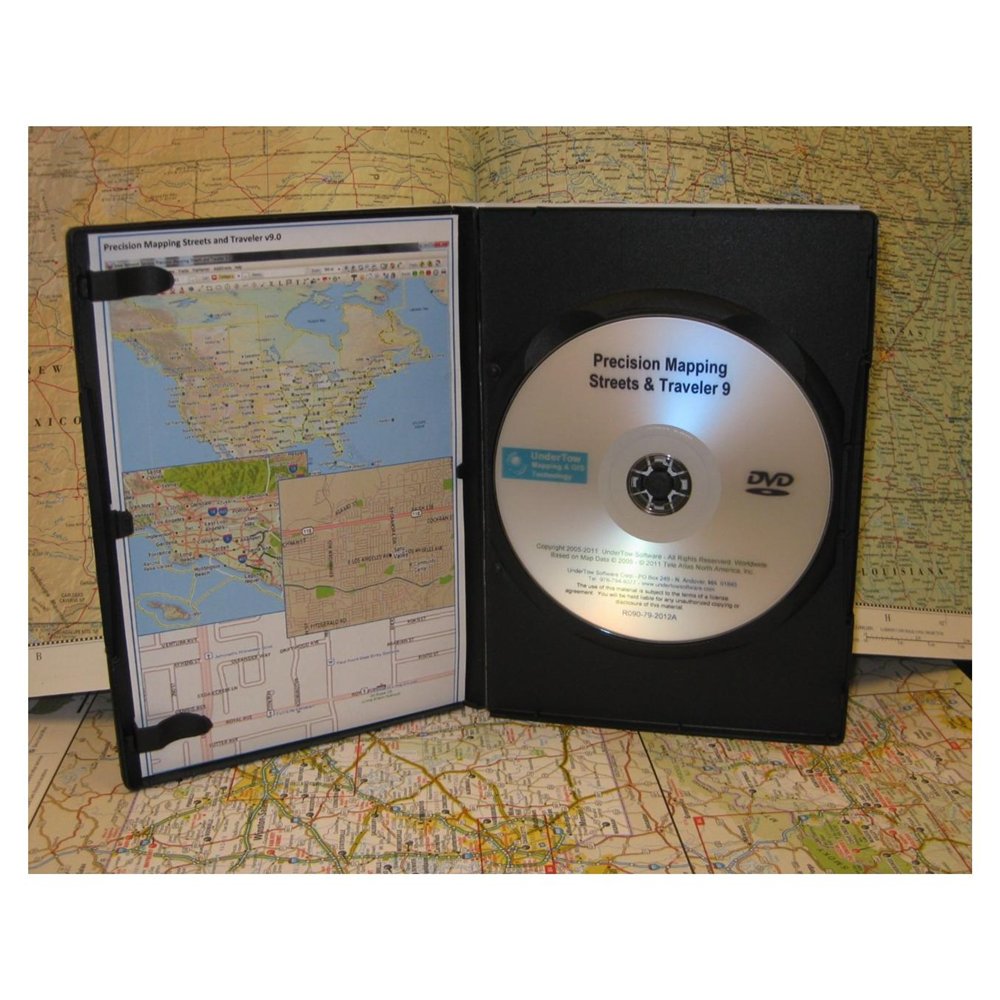


Precision Mapping Streets & Traveler is one of the best-selling map and travel planning software applications for all your travel planning needs. Generate maps and directions, customize your route, find interesting stops along the way. Then, spend your time enjoying your trip, not trying to plan it.## Easy to use - Traveler will make it a snap for you to plan the perfect trip, with one or multiple stops, layovers, points of interest (POI) along the way, start and stop driving times for each trip segment. And, if mapping is your primary need, control the layers that are being painted, change state colors or highlight a state, display an elevation (shaded Relief) layer, display railroad tracks, and much more. ## Find more Destinations - Select from millions of built-in POIs including hotels, gas stations, restaurants, casinos, landmarks, and much more. Add your own POI collections such as Walmart stores, Starbucks locations, campgrounds, or the best ice cream stops. ## Trip planning a snap - Tailor your trips by setting driving speeds, and road types to prefer. ## Precipitation Radar Images - Connect to the internet and download Precipitation Radar Image overlays. ## Change your Itinerary - Save your trip and modify it at any time, wherever you are. ## UiView Compatible ## Import Other data - display third party GIS data on the maps. MID/MIF or SHP data files. ## Personalize your maps - Add text, mark locations, draw lines and other shapes, add Windows meta files. ## Add your own Streets - Add new streets and trails that may have not made it to the national road databases. Share these street files with other users of precision mapping. ## Use it with a GPS - Connect your laptop running Traveler to a NMEA compliant GPS selected device to track your movement. ## Mark what you Like - Place pushpins to identify locations of interest on the map.
|
|


